
Three Platforms, Zero Sync: The Multi-Tool Lead Management Problem
Most sales and marketing teams reach a tipping point where the tools they've chosen to manage different parts of the funnel — a flexible database like Airtable for lead capture, a purpose-built CRM like Close for pipeline management, and an email platform like Mailchimp for nurture — stop talking to each other effectively. The gap between these systems gets filled by a human, manually copying data from one to the next. That human has other priorities. The copy-paste gets delayed, then deprioritized, then forgotten entirely.
The downstream consequences compound: leads captured in Airtable that never reach Close CRM never get followed up on. Leads that do reach Close might get duplicated when a rep doesn't search before creating. Mailchimp enrollment lags by days or never happens at all, blowing the critical first-contact timing window when a prospect's intent is highest. At 10–15 hours per week of manual synchronization labor, the cost is measurable — but the revenue impact of the leads lost in the gaps between systems is harder to quantify and almost always larger.
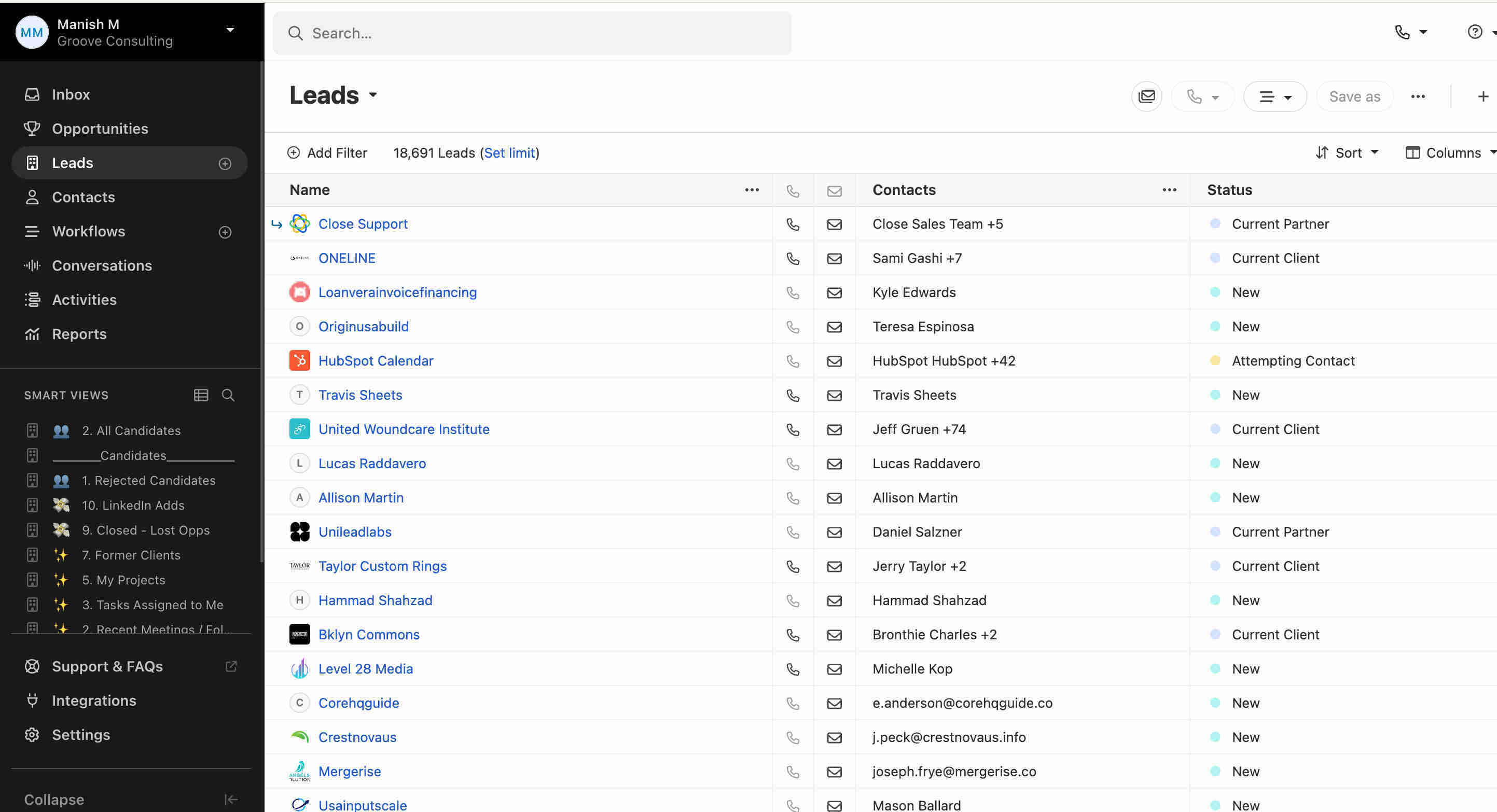
Building the Sync Engine: Three Platforms, One Automated Pipeline
GrowwStacks engineered a multi-platform synchronization system built around a principle that most CRM integrations get wrong: sync without duplicate prevention is just automated chaos. Every lead that enters the pipeline through Airtable is checked against Close CRM using a three-field match — phone number, email address, and name — before any record is created or modified. The conditional routing that follows ensures existing contacts are updated while new contacts are created with complete information and immediately enrolled in their targeted Mailchimp campaign sequence.
We selected Make.com as the orchestration layer for its native Airtable, Close CRM, and Mailchimp connectors and the reliability of its conditional router module for handling the duplicate detection branching logic at production volumes. The result is a system where every lead captured in Airtable reaches Close CRM and Mailchimp within seconds — correctly categorized, properly structured, and immediately actionable for both sales and marketing teams.
From Airtable Record to Three-Platform Sync: The Complete Flow
The system operates through a precisely sequenced workflow that handles both new and existing leads correctly every time. Here's the full end-to-end process:
- Airtable lead monitoring: Make.com's Airtable watch module monitors the designated leads table for new record creation. The moment a new contact is added — from a form submission, manual entry, or any upstream integration that feeds Airtable — the trigger fires and captures all available contact fields: name, email, phone number, source, and any custom fields mapped during setup.
- Close CRM duplicate search: Using the captured contact details, the workflow queries Close CRM across three matching dimensions simultaneously — phone number, email address, and full name. This triple-check approach catches duplicates that a single-field match would miss: a lead who submitted with a different email but the same phone number, or a contact entered with a name variation but matching email.
- Intelligent router decision: Make.com's router module evaluates the duplicate search result and directs the workflow to one of two paths. If any match is found in Close CRM, the workflow follows Route 1 (existing lead update path). If no match is found, it follows Route 2 (new lead creation path). Both routes ultimately result in a fully synchronized record across all three platforms.
- Route 1 — Existing lead update: When a duplicate is detected, the workflow updates or adds the subscriber in Mailchimp with the most current contact information from the Airtable record. The contact is enrolled in the designated email campaign if not already subscribed, ensuring existing leads don't miss new campaign sequences triggered by updated lead source data. The Close CRM record is updated with any new field values from the Airtable entry.
- Route 2 — New lead creation: When no duplicate is found, a complete new lead record is created in Close CRM with all contact details populated from Airtable — name, email, phone, source, and any additional fields configured during setup. Simultaneously, the contact is added as a new subscriber in Mailchimp and enrolled in the appropriate campaign sequence based on lead source, industry, or other configured segmentation criteria.
- Mailchimp campaign enrollment: Both routes trigger Mailchimp enrollment — updated subscribers get added to new campaigns they haven't received, new subscribers enter their designated sequence from the start. Campaign assignment uses configurable logic: leads from different Airtable sources can route to different Mailchimp audiences and campaigns, enabling precise segmentation without any manual list management.
- Three-platform consistency: After every sync cycle, the lead's data exists consistently across Airtable (source of record), Close CRM (sales pipeline), and Mailchimp (email marketing) — with no manual export, import, or copy-paste operation involved at any step.
.jpeg?updatedAt=1772050121321)
💡 Why triple-field matching matters: Single-field duplicate detection (email-only) misses a significant portion of real-world duplicates. Leads frequently re-submit with different email addresses, use work vs. personal emails on different forms, or get entered manually with slight name variations. The phone + email + name triple-check catches the duplicates that email-only matching would create — and it's this completeness that makes the downstream CRM data trustworthy rather than just automated.
What Three-Platform Sync Does That Manual Management Can't
Intelligent Duplicate Detection
Searches Close CRM using phone number, email address, and name matching simultaneously before creating any new record. Eliminates the duplicate pipeline entries that corrupt reporting, confuse sales reps, and waste follow-up effort on contacts already in the system.
Automated Campaign Enrollment
Every lead — new or updated — is enrolled in the appropriate Mailchimp campaign immediately after CRM processing. The 85% improvement in campaign enrollment speed comes from eliminating the days-long delay between lead capture and manual subscriber management that erodes first-contact conversion rates.
Complete Data Capture
All lead fields from Airtable transfer to Close CRM and Mailchimp without omissions or truncation. Sales reps and marketing teams access the same complete contact profile regardless of which platform they work in — no partial records, no missing context from rushed manual entry.
Instant Lead Processing
New Airtable records trigger CRM creation and Mailchimp enrollment within seconds. The critical window where lead intent is highest — immediately after form submission or inquiry — is captured every time, rather than variably depending on when a team member gets around to manual processing.
Conditional Workflow Routing
The router module handles both scenarios correctly without manual decision-making — existing leads get updated, new leads get created, and Mailchimp enrollment is appropriately managed for both cases. No lead falls into a gap because the workflow didn't know what to do with it.
Three-Platform Synchronization
Airtable, Close CRM, and Mailchimp stay consistently synchronized without manual export/import operations. Teams working in any of the three platforms access accurate, current data — ending the confusion that comes from systems that drift out of sync as soon as the manual process falls behind.
The System in Action
.png?updatedAt=1772050120786)
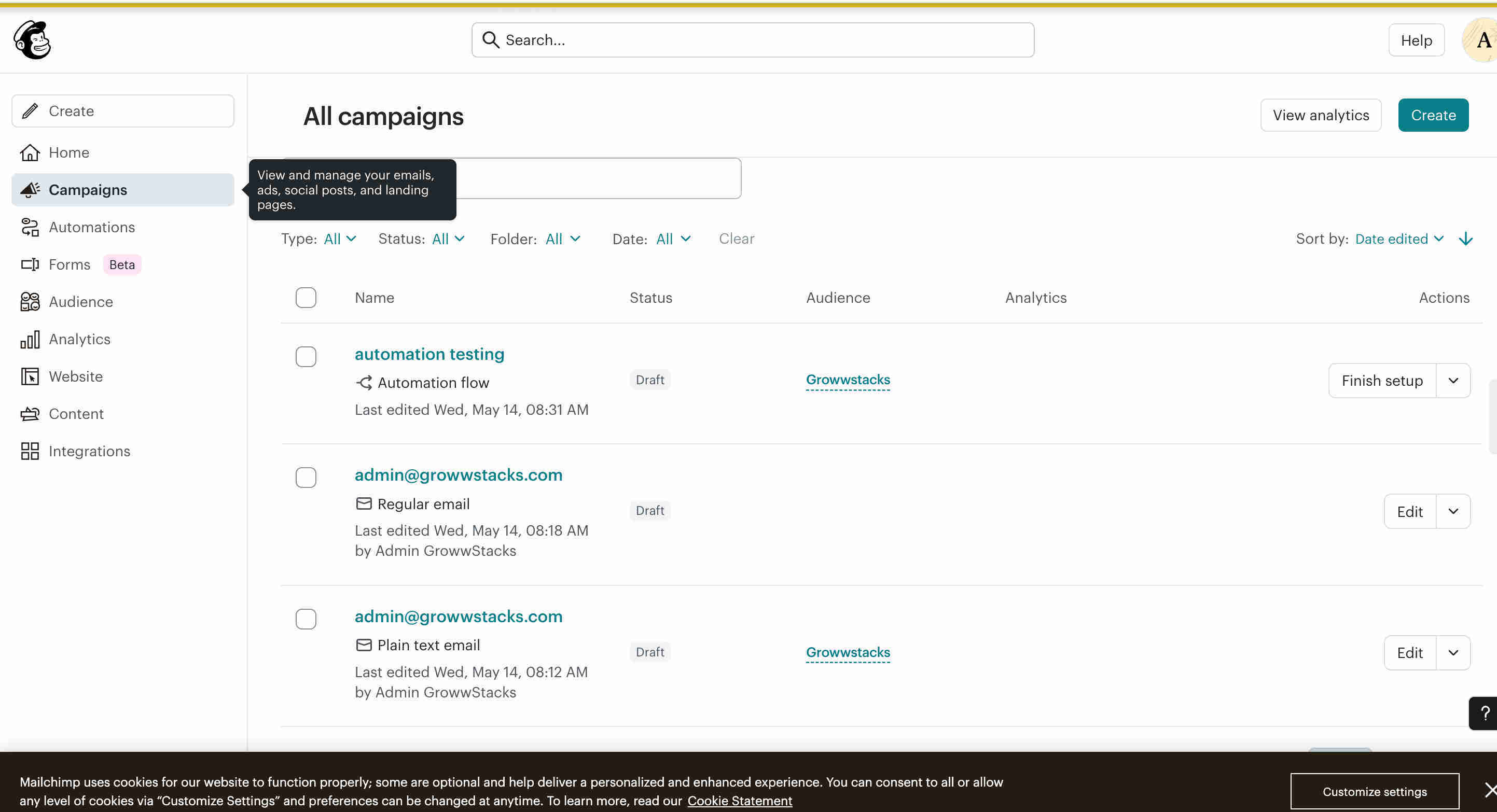
Before vs. After: What Changes When Three Platforms Sync Automatically
Before: Sales and marketing teams spent 10–15 hours weekly manually copying lead data between Airtable, Close CRM, and Mailchimp. Despite the effort, duplicate records accumulated from reps creating entries without searching first. Leads captured in Airtable regularly never made it to Close CRM or Mailchimp due to process gaps and workload pressure. Email campaign enrollment lagged by days, missing the high-intent follow-up window. Data inconsistency across platforms meant different team members were working from different versions of the same contact's information.
After: Every lead added to Airtable is processed, duplicate-checked, and synchronized across Close CRM and Mailchimp within seconds — automatically, consistently, and with complete data. Sales reps open Close CRM and find every qualified lead ready for outreach with no backlog. Marketing teams see Mailchimp enrollment happening in real-time as leads are captured. Weekly synchronization time drops from 15 hours to approximately 90 minutes of exception handling and data review. Duplicate records become a historical problem rather than a daily operational one.
Implementation: Live in 8 Weeks
- Platform integration and data mapping: Airtable is connected via API with read permissions on the leads table. Close CRM is authenticated with contact search, creation, and update permissions. Mailchimp is integrated with subscriber and campaign management access. Field mappings between all three platforms are documented and configured — ensuring that Airtable field names correctly correspond to Close CRM contact fields and Mailchimp merge tags before any data moves.
- Duplicate detection configuration: Close CRM search logic is configured with phone number, email, and name matching criteria. Duplicate detection thresholds are established and tested against a sample of your existing CRM data to validate match accuracy. Edge cases — partial phone numbers, email format variations, hyphenated names — are tested and the matching logic refined to minimize both false positives and false negatives.
- Routing and workflow logic: The Make.com router module is built with conditional logic analyzing the duplicate detection result. Route 1 (existing lead update) is developed with Mailchimp update operations and Close CRM field refresh logic. Route 2 (new lead creation) is built with complete Close CRM record creation and fresh Mailchimp enrollment. Error handling is added for API rate limits and connectivity failures. Both paths are tested comprehensively with real and synthetic lead data.
- Mailchimp campaign setup: Email campaigns are configured for different lead segments based on your acquisition sources, industries, or qualification criteria. Automated email sequences are validated for personalization accuracy. Subscriber tagging and segmentation rules are established so leads from different Airtable sources route to the correct Mailchimp audiences automatically.
- End-to-end testing and deployment: The complete three-platform workflow is tested with representative lead scenarios — new contacts, known duplicates, partial duplicates, and edge cases. Data consistency across all three platforms is validated. Sales and marketing teams are briefed on the new synchronized workflow. Monitoring dashboards are configured before production deployment.
The Right Fit — and When It Isn't
This solution delivers maximum value for sales teams using Close CRM, marketing departments running Mailchimp campaigns, lead generation businesses, agencies managing multiple client lead flows, and any organization capturing leads in Airtable that requires reliable synchronization to CRM and email marketing platforms without the overhead of manual data entry across systems.
One important note: this system is built specifically for the Airtable + Close CRM + Mailchimp stack. Organizations using different combinations — HubSpot instead of Close, Klaviyo instead of Mailchimp, Google Sheets instead of Airtable — require a different integration configuration using the same workflow logic. We build versions of this system across many platform combinations; if your stack differs, bring it to the discovery call and we'll scope the right build for your tools.