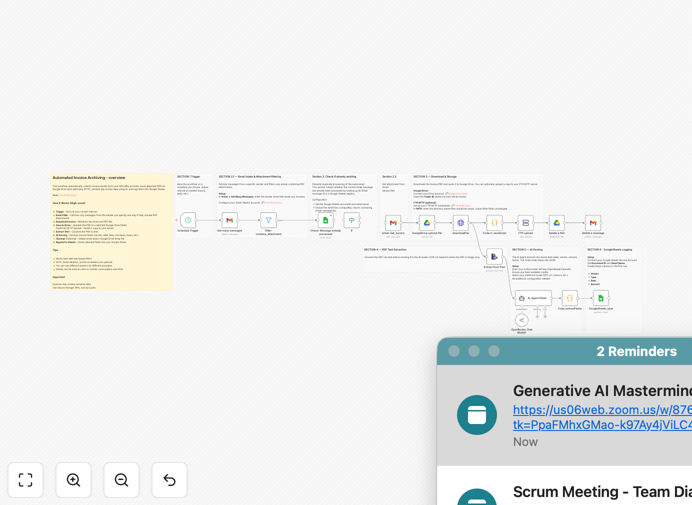
What This Workflow Does
This automation solves the tedious manual process of managing incoming invoices via email. Many businesses receive recurring invoices from vendors, suppliers, and service providers directly to their Gmail inbox. Without automation, accounting teams waste hours each month downloading attachments, renaming files, and manually entering data into accounting systems.
The workflow automatically identifies incoming invoice emails, extracts the attachments, stores them in organized Google Drive folders, and uses AI to pull key data like invoice numbers, dates, amounts, and vendor details. This creates a searchable digital archive while eliminating manual data entry errors.
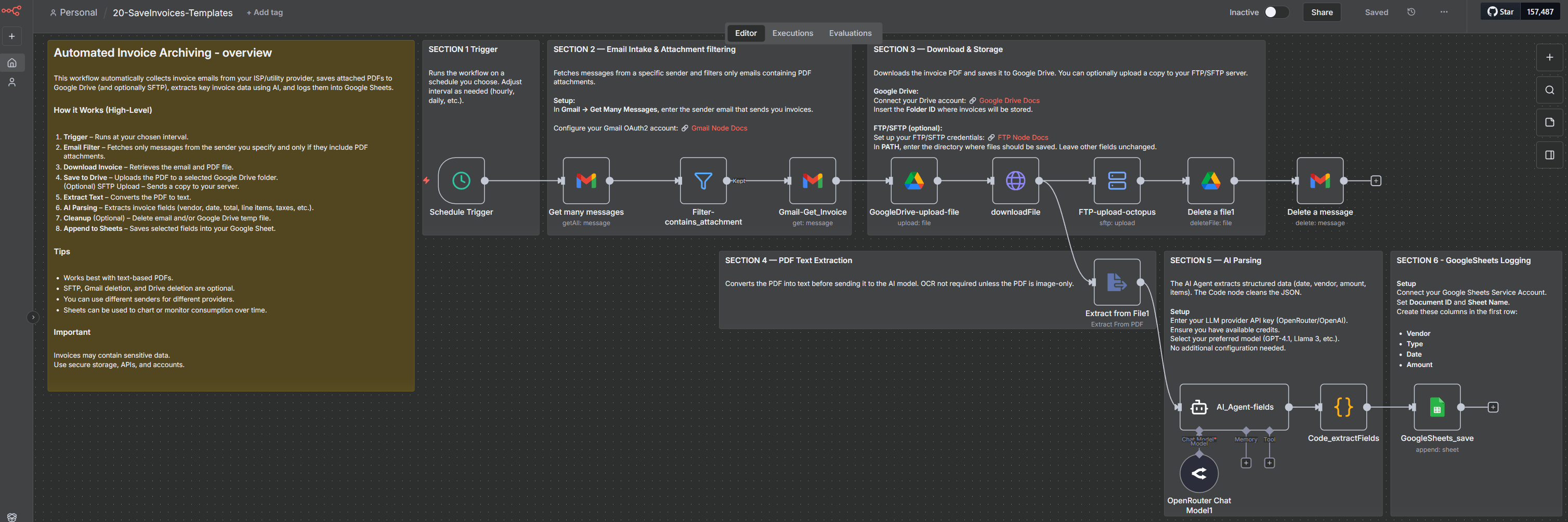
How It Works
1. Email Monitoring
The workflow continuously monitors your Gmail inbox for new messages matching specific criteria (like sender domain or subject line containing "invoice"). When a matching email arrives, it triggers the automation.
2. Attachment Extraction
The system downloads any attachments (typically PDF invoices) and saves them to a designated Google Drive folder structure organized by vendor and date. File names are standardized for easy searching.
3. AI Data Extraction
Using AI-powered OCR (optical character recognition), the workflow scans each invoice to extract key fields like invoice number, date, total amount, tax details, payment terms, and vendor information.
4. Data Validation & Export
The extracted data is validated against business rules (like checking for duplicate invoice numbers) before being formatted for export to your accounting software or spreadsheet.
Pro tip: Configure the workflow to send Slack alerts when high-value invoices arrive or when duplicate invoice numbers are detected.
Who This Is For
This automation is ideal for:
- Small businesses receiving recurring vendor invoices
- Freelancers managing client billing
- Accounting teams processing high volumes of supplier invoices
- Operations managers tracking utility and service provider bills
- Any organization wanting to eliminate manual invoice processing
What You'll Need
- A Gmail account receiving invoices
- Google Drive for document storage
- n8n account (free or paid)
- Optional: Accounting software integration (QuickBooks, Xero, etc.)
Quick Setup Guide
- Download the JSON template file
- Import into your n8n instance
- Connect your Gmail and Google Drive accounts
- Configure email filters to identify invoice messages
- Set up your preferred folder structure in Google Drive
- Test with sample invoices to verify data extraction
- Schedule the workflow to run automatically
Key Benefits
Save 5-10 hours per month by eliminating manual invoice processing tasks. Accounting teams can focus on higher-value work instead of data entry.
Reduce errors by 90% compared to manual data entry. Automated extraction ensures consistent, accurate capture of invoice details.
Instant digital archive creates a searchable repository of all invoices organized by vendor and date for easy reference.
Early payment discounts become easier to capture when invoices are processed immediately upon receipt.
Audit-ready records with complete documentation trail from email receipt through processing.