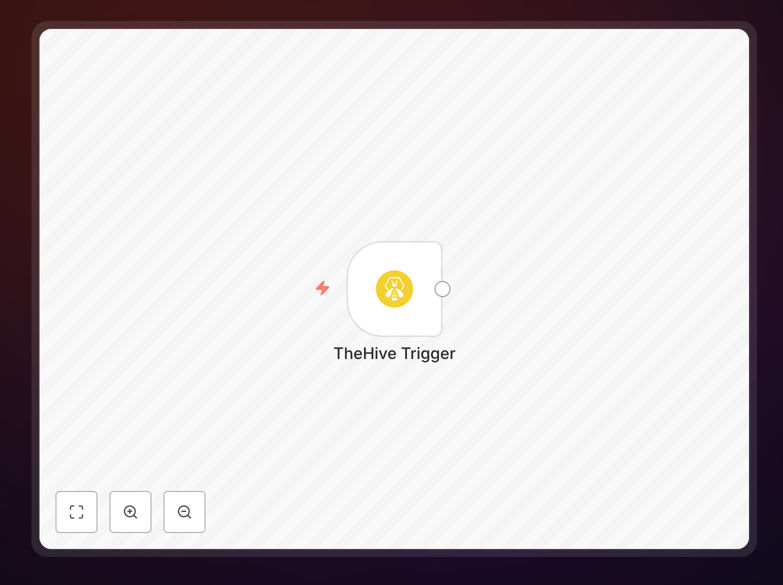
What This Workflow Does
This automation solves the challenge of manually monitoring TheHive for security events. Security teams often miss critical alerts when relying on periodic checks of the platform. The workflow automatically detects new events in TheHive and sends notifications through configured channels like email, Slack, or SMS.
By implementing this automation, security operations centers (SOCs) can ensure immediate awareness of security incidents, case updates, and important changes in TheHive. This leads to faster response times and better coordination among team members handling security cases.
How It Works
1. Monitoring TheHive for events
The workflow regularly polls TheHive's API for new events using configured filters. You can specify which types of events to monitor, such as new case creation, status changes, or priority updates.
2. Processing event details
When an event is detected, the workflow extracts relevant details like case ID, severity level, assignee, and description. This information is formatted for clear communication in notifications.
3. Sending notifications
The processed event data triggers notifications through your preferred channels. The template supports multiple notification methods simultaneously, allowing different alert levels to use different communication channels.
Who This Is For
This workflow is ideal for security teams using TheHive for incident response and case management. SOC analysts, security engineers, and IT security managers will benefit most from these automated notifications.
Organizations with 24/7 security operations particularly need this automation to ensure continuous monitoring without requiring analysts to constantly check TheHive manually. Teams distributed across time zones or working remotely also benefit from instant alerts.
What You'll Need
- An active TheHive instance with API access
- n8n installed or access to an n8n cloud account
- API credentials for your notification channels (Slack, email, etc.)
- Basic understanding of TheHive event types you want to monitor
Quick Setup Guide
- Download and import the JSON template into your n8n instance
- Configure TheHive API connection with your credentials
- Set up your notification channels (Slack webhook, email server, etc.)
- Adjust the event filters to match your monitoring needs
- Test the workflow with sample events
- Activate the workflow for continuous monitoring
Key Benefits
Instant awareness of security events: Receive notifications the moment important changes occur in TheHive, eliminating delays from manual checks.
Reduced operational overhead: Automating event monitoring frees security analysts to focus on investigation and response rather than platform monitoring.
Customizable alerting: Configure different notification channels and formats based on event severity and type.
Improved response times: Faster notification leads to quicker incident response, reducing potential damage from security incidents.
Audit trail: All notifications create a record of when events were detected and alerted, useful for compliance and post-incident review.